Save It in a Second
Find a place in Apple Maps or Google Maps and send it to a list. The last list you used is already waiting. Build the collection at home, on the train, whenever curiosity shows up. Then close the app.
Save the places you hope to stumble into. When a walk takes you close, Side Quests invites you on the detour.
Coming soon to iPhone!
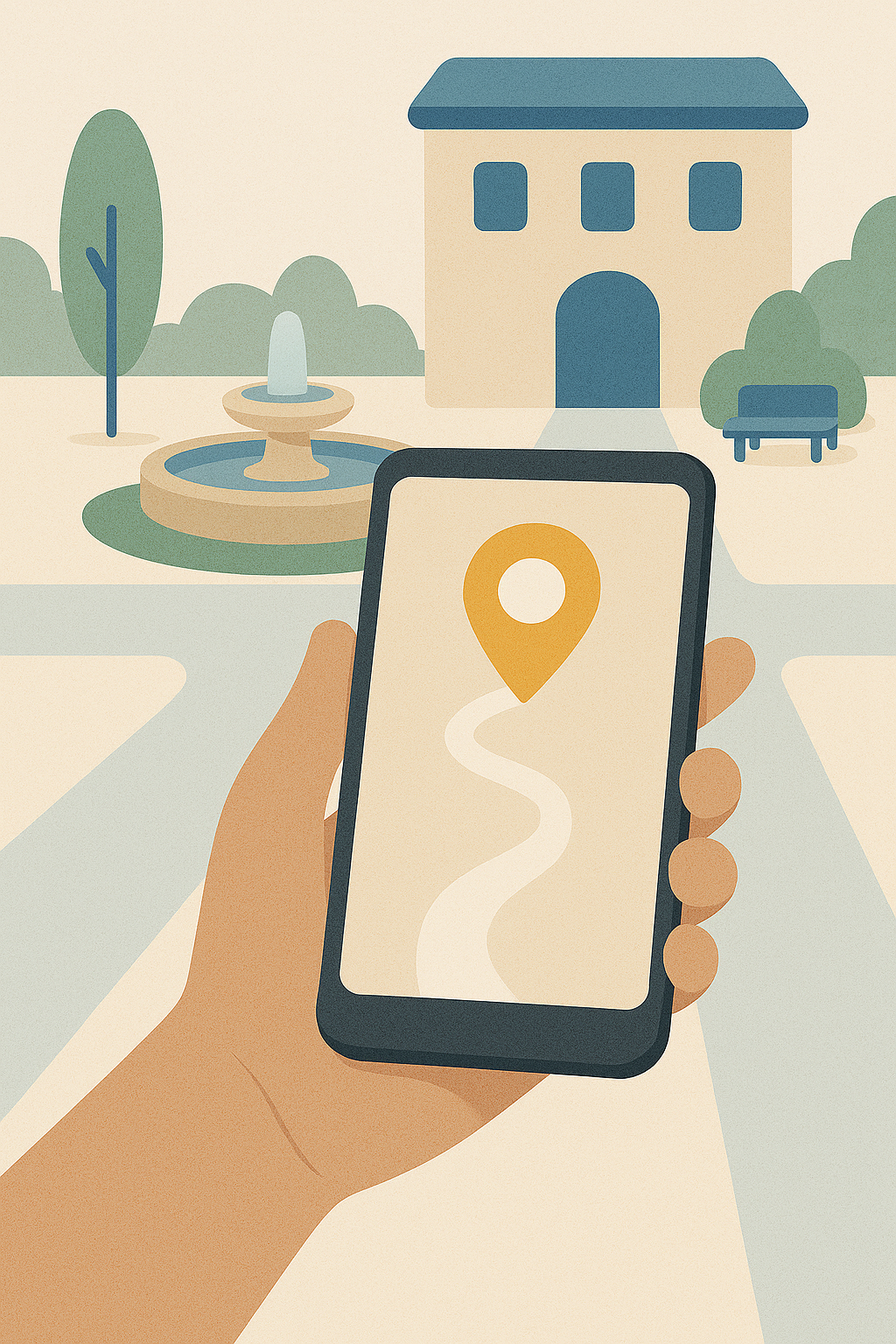
The best moments happen while you are looking at the street. Save the places, then put the phone away. Side Quests will catch you when the adventure is around the corner.
Find a place in Apple Maps or Google Maps and send it to a list. The last list you used is already waiting. Build the collection at home, on the train, whenever curiosity shows up. Then close the app.

An assistant can go hunting for you. Quiet coffee. A late hardware store. The bakery someone loves. Each idea arrives as a card with a map, and the map is what you are saying yes to. Keep it, or pass. A pass stays passed.
Go about the day you already had planned. When you cross into the distance you chose for a list, Side Quests says the place name, how far it is, and the note you saved. Arrive, and the message gets quieter: you're here.
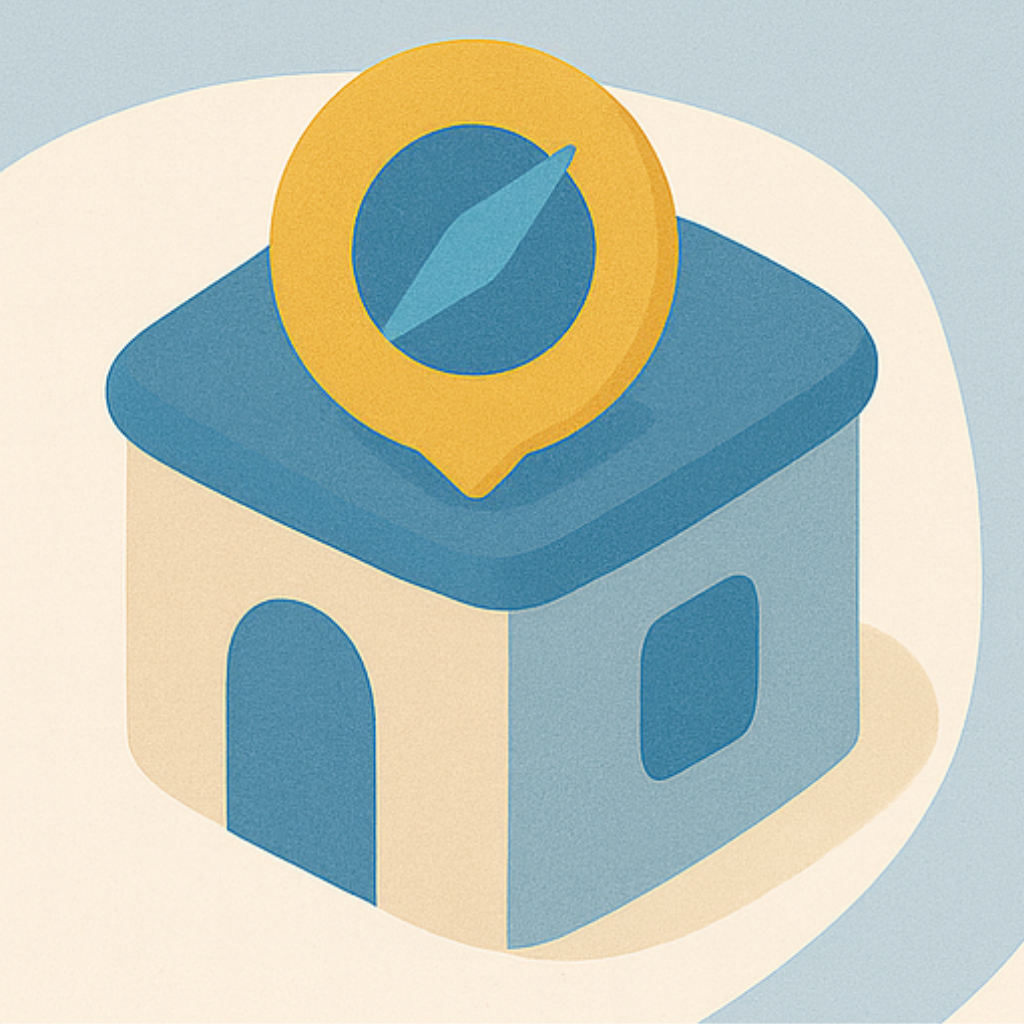
The lock screen keeps your nearest quest in view, with a compass arrow and the distance, even on the Dynamic Island. Open the app when you feel spontaneous and the closest places are already lined up, on a card or a little map.
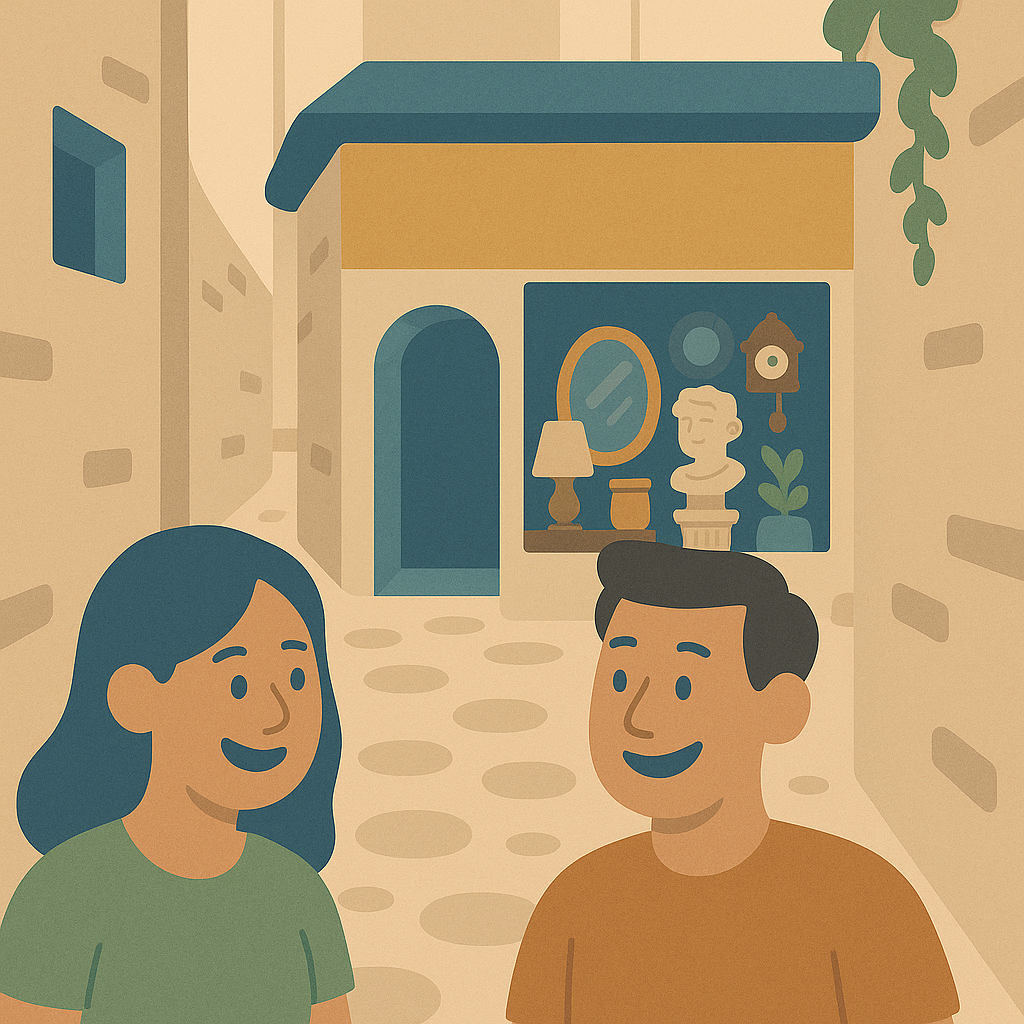
Each list has its own radius, from a short stroll to a wider wander. Mute a list when you are not in the mood. Pause a place, or mark it visited when the quest is done. The city stays full of maybes. You decide which ones are awake.

"Side Quests made my first month in a new city feel like a treasure hunt. A quiet reminder nudged me into a cafe I would have walked past."
— Maya, New in Town
"I stopped making plans for Saturday. I saved a handful of maybes, went out for groceries, and Side Quests found me a courtyard I had been meaning to see for a year."
— Jordan, Curious Local
"The lock screen showed an arrow and a three-minute detour. I followed it, and the afternoon changed."
— Priya, Weekend Explorer
No account to create. No subscription to remember. Your lists live in a folder you control. Choose how close is close enough, mute a list when you are not in the mood, and mark a place visited when the quest is done.
Common questions from fellow explorers.
Side Quests is on its way to iPhone. Join the waitlist and you will hear when the door opens.
Side Quests is for iPhone. Directions can open in Apple Maps or Google Maps, whichever you prefer.
You choose the distance for each list. Mute a list, pause a place, or mark it visited. The nudge shows up when you are actually close, then it leaves you alone.
Your places stay in a folder you control. Location is used on your phone to notice when a saved spot is nearby. There is no account, and we do not sell your data. View our privacy policy.
Get early access to the beta, launch updates, and city exploration guides.